How long should a speaker clip be for LinkedIn?
30 to 60 seconds, one point per clip, captions burned in. How to plan 10 LinkedIn speaker clips from one conference day in Malaysia, and where the camera sits.
A speaker clip for LinkedIn should run 30 to 60 seconds and carry 1 point, with captions burned in. Shorter than 30 seconds and the point rarely lands. Longer than 60 and it usually turns into 2 points, and the viewer leaves before the second one.
This guide is for conference organisers in Malaysia and for marketing teams whose leaders speak at events. It covers the length, the one-point rule, captions, and how to plan 10 usable clips from a single conference day.
Why 30 to 60 seconds
Shootsta’s guide to LinkedIn video length recommends 30 to 60 seconds for most organic feed video, with room to stretch to 90 seconds for thought leadership. The same guide notes that LinkedIn videos under 60 seconds tend to be watched to the end more often.
We land at the short end for speaker clips. A conference clip meets people mid-scroll, out of context, often between meetings. They did not choose to watch your session. They have to understand the point before they decide to stay.
PR News gives the same advice from the media training side: for short video, a spokesperson’s message should be “sculpted into 30-to-60-second elevator pitches”. A good speaker can make a complete point in that time. Most speakers on stage take longer, which is why the stage alone rarely gives you clean clips.
One point per clip
A viewer who meets 1 point can repeat it to a colleague. In practice, one point means:
- It starts on the point. Not on “thank you for having me”, not on the setup. The first sentence says the thing.
- It ends when the point lands. Cut after the example or the line that proves it.
- It stands alone. No “as I said earlier”, no slide the viewer cannot see.
A useful shape: 1 line that states the point, 2 or 3 lines on why, 1 example, and stop. In our experience, most clips that work follow it, whether the speaker planned it or not.
Captions are part of the clip
LinkedIn’s own marketing blog reported in 2021 that 79% of videos in its feed are watched with the sound off. A speaker clip without captions is a person moving their mouth.
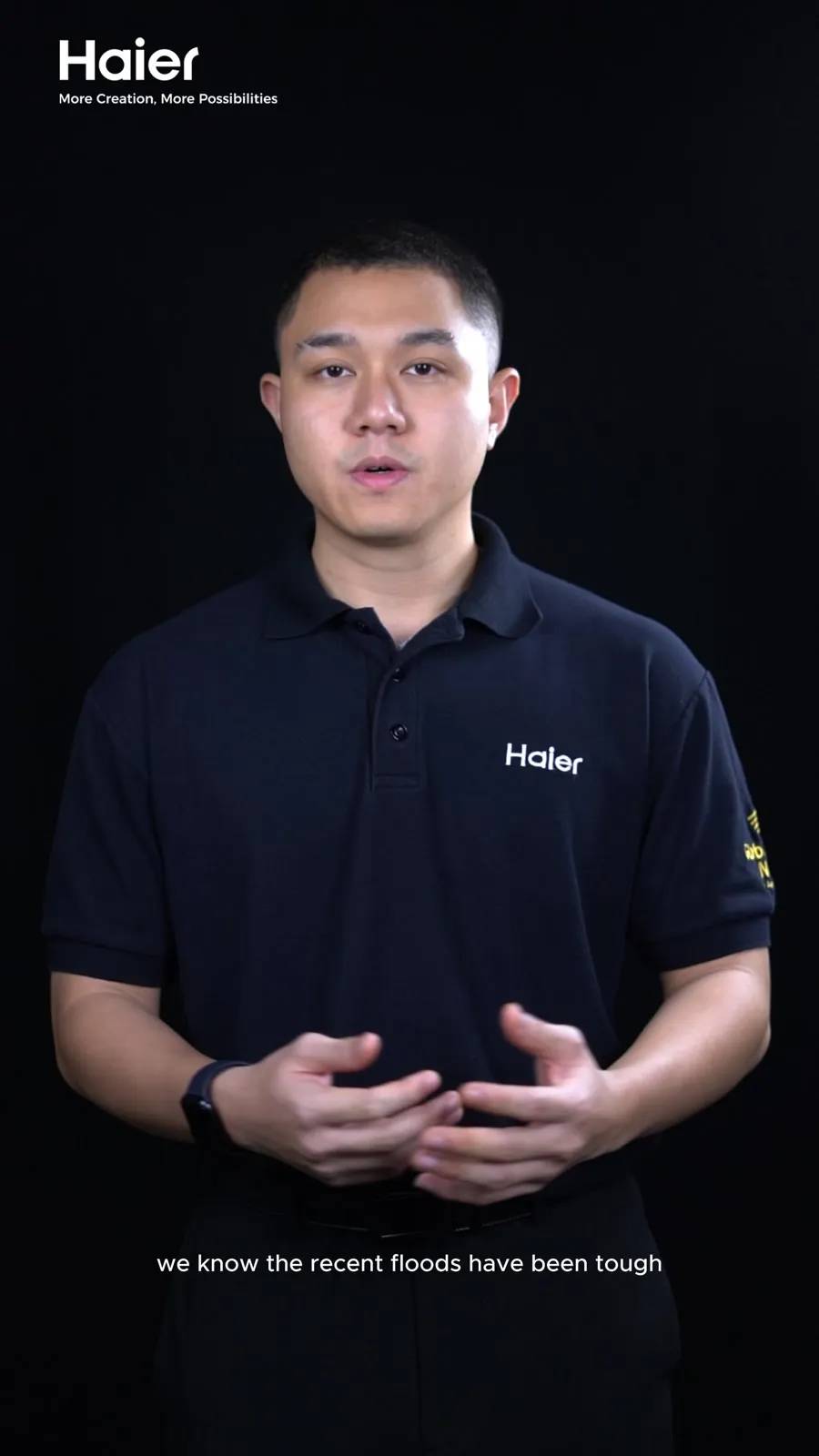
Burn the captions into the picture. Keep them large, 2 lines at most, and placed where the platform’s buttons will not cover them. Caption in the language the speaker used. If the talk was in Mandarin and the audience reads English, decide whether you need translated captions or a separate cut, which we compare in subtitles or separate cuts.
The retailer interview above shows the pattern. One speaker, framed close, cutting to the products she talks about, with captions carrying every line. It runs longer than a LinkedIn clip, and each of its points could be lifted out as a clip of its own.
How to get 10 clips from one conference day
10 clips do not come from filming everything and searching later. They come from a plan the speakers agree to before the day.
| Where the clip comes from | Clips | What the speaker does | Where the camera sits |
|---|---|---|---|
| The quiet-corner session after each talk | 3 per speaker, from 3 speakers | Restates their 3 strongest points, each in under a minute | On a tripod beside the interviewer, at eye level, head and shoulders |
| The stage | 1 or 2 | Gives the talk as planned | Centre aisle or a riser, level with the stage, framed tight on the speaker |
| A panel moment | 1 if it happens | Answers a sharp question well | The same stage camera, reframed on whoever is speaking |
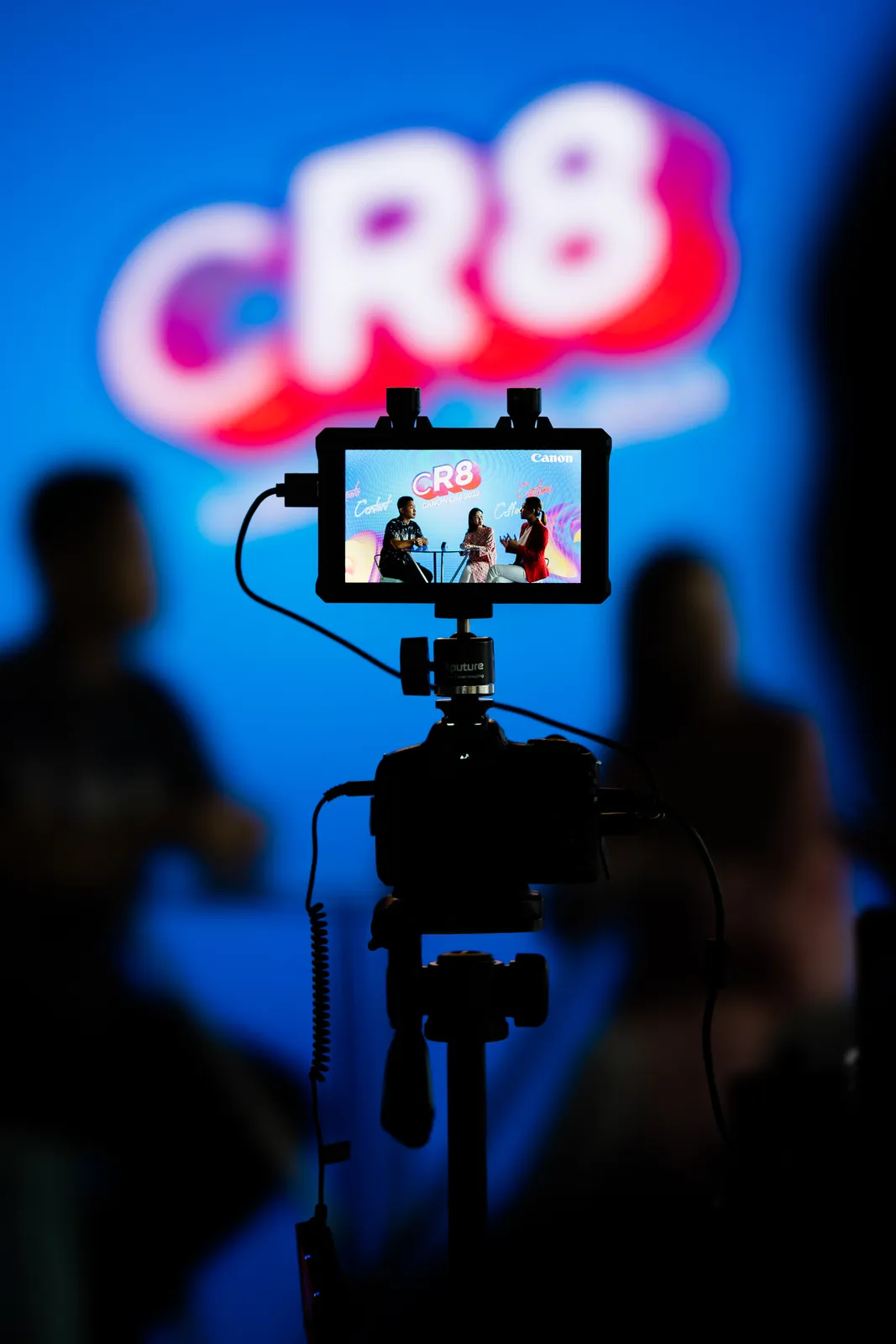
The quiet-corner session does most of the work. Book 10 minutes with each speaker straight after their session, while the talk is fresh. Ask them for their 3 strongest points, one at a time, each answered in a full sentence that includes the question. On the stage they gave a talk. In the corner they give clips.
Audio matters as much as the picture. Every speaker wears a clip-on mic, and stage sessions are recorded from the sound desk where you can get a feed. The details are in clean audio on a trade show floor.
What to ask the speaker to do
Send this to every speaker with their session brief:
- Pick 3 points you want people to remember. Send them to us before the event.
- Stay 10 minutes after your session for a short recording in a quiet room.
- Answer in full sentences. “The reason most launches miss is…” instead of “Because of timing.”
- Pause after each answer. It gives the editor a clean place to cut.
- Expect a mic and a retake. Restarting is normal and takes 30 seconds.
Speakers who know this in advance give better clips. Speakers who hear it at the door give nervous ones. How to prepare a founder for camera has more on the brief.
Give speakers their clips
Once the clips are cut, send each speaker their own. A speaker posting their clip puts your event in front of their network, with your name on it. If a sponsor was promised a logo on speaker clips, agree that with the speaker first, as we explain in conference content that keeps sponsors renewing. More on this kind of job is on the exhibitions and conferences hub.
What to do next
Decide how many clips you want and who they are for. Brief the speakers on the 3 points and the 10 minutes. Book the quiet room.
If you are planning a conference and want speaker clips from it, send us the date and a line on the job. We reply with a quote within 1 working day, and we write the shot list, speaker sessions included, before the camera comes out.
Questions people ask
What is a good length for a LinkedIn video?
For a speaker clip, 30 to 60 seconds. Shootsta's guide to LinkedIn video length suggests 30 to 60 seconds for most organic feed video, stretching to 90 seconds for thought leadership. In our experience a clip from a conference talk works best at the short end, because it has to carry 1 point to someone scrolling with the sound off.
Is a 3 minute video too long for LinkedIn?
For a speaker clip, usually yes. 3 minutes from a talk will hold several points, and the viewer has to stay for all of them to get the one they care about. Cut it into separate clips of 30 to 60 seconds, each with a single point. Keep the full session for your website or YouTube.
Do LinkedIn videos need captions?
Yes. LinkedIn's own marketing blog reported in 2021 that 79% of videos in its feed are watched with the sound off. Burn the captions into the picture, large and no more than 2 lines at a time, in the language the speaker used. A clip without captions is a clip most people scroll past.
How many clips can you get from one conference day?
10 is a realistic plan if you build it in before the day: 3 or 4 speakers, each asked for 3 short points in a quiet corner after their session, plus the best moments from the stage. The number depends on the speakers and the run of show, so agree it with the crew in the quote rather than hoping for it.
Can speakers have their own clips to post?
Yes, and they should. A speaker posting their own clip puts the event in front of their network. Agree it in the speaker brief, settle whether sponsor logos appear on those clips, and make sure your agreement with the crew lets speakers post the clips on their own pages.
Sources
- Shootsta, LinkedIn video length: how long should your videos be? (30 to 60 seconds for organic feed video, up to 90 for thought leadership)
- LinkedIn Marketing Blog, 4 tips for better video ads on LinkedIn (79% of feed videos watched with the sound off)
- PR News, How to expertly prep your spokespeople for video (short video messages as 30 to 60 second elevator pitches)